Your creative references,
beautifully organized
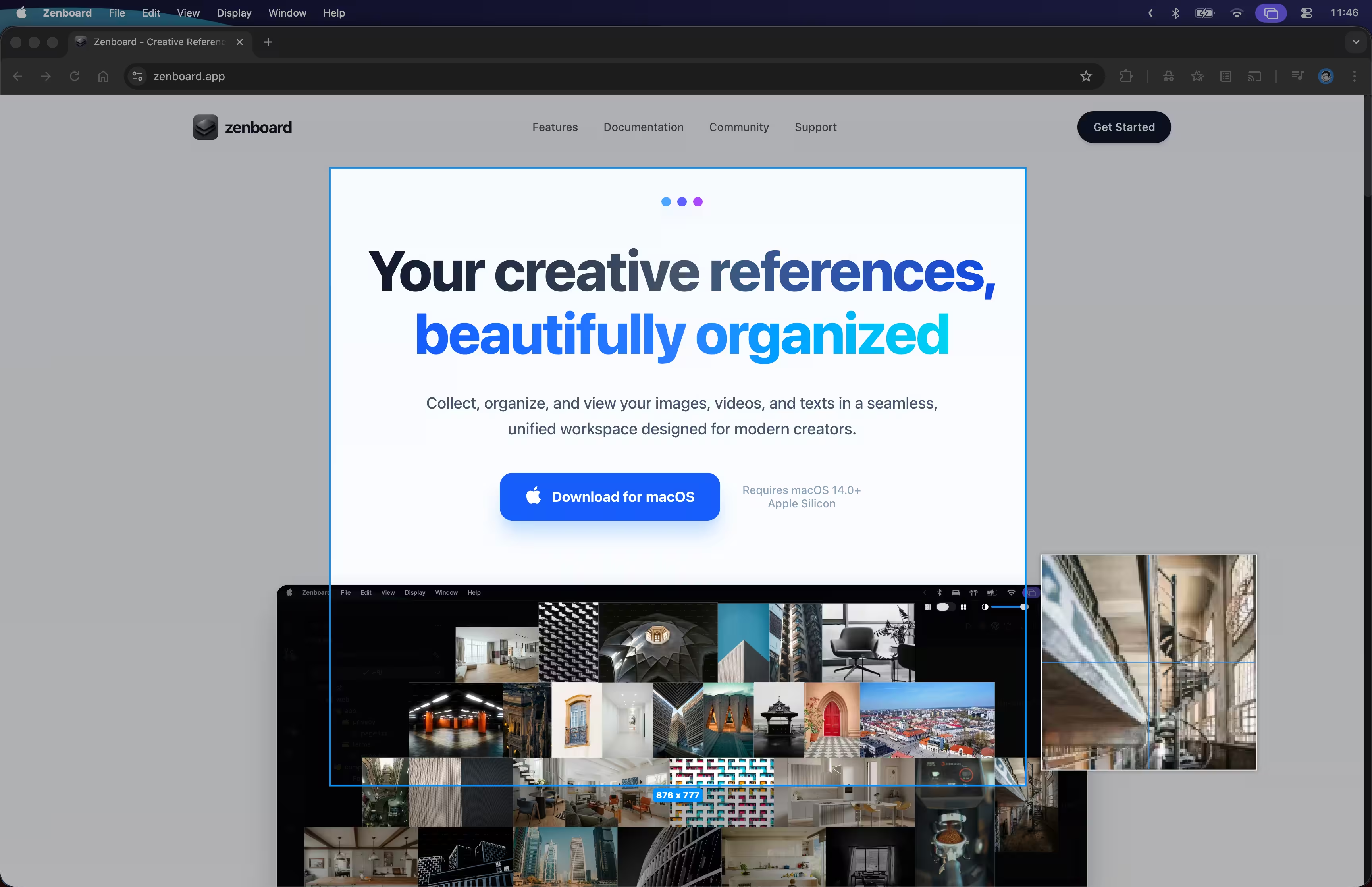
Collect, organize, and view your images, videos, and texts in a seamless, unified workspace designed for modern creators.
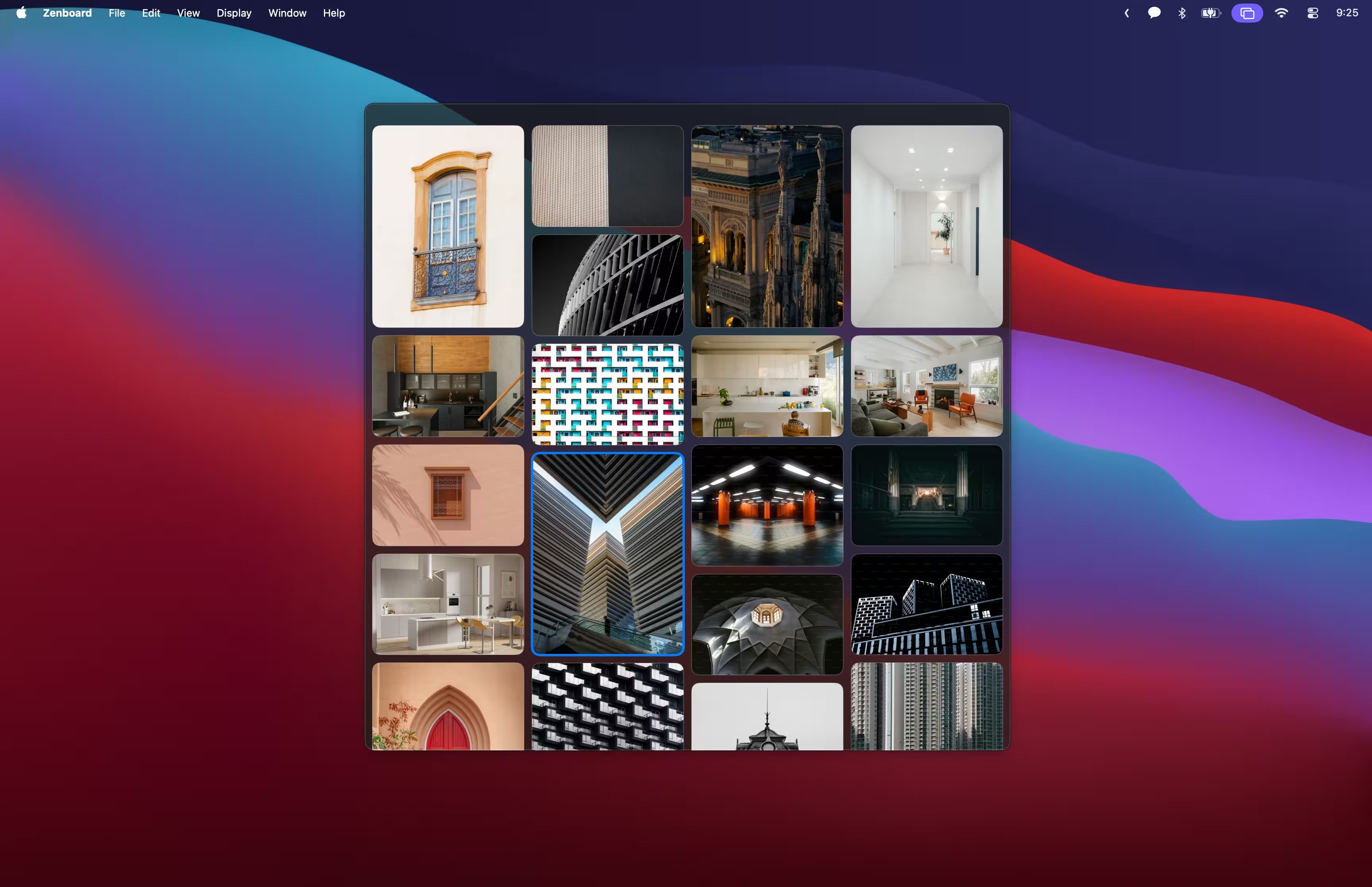
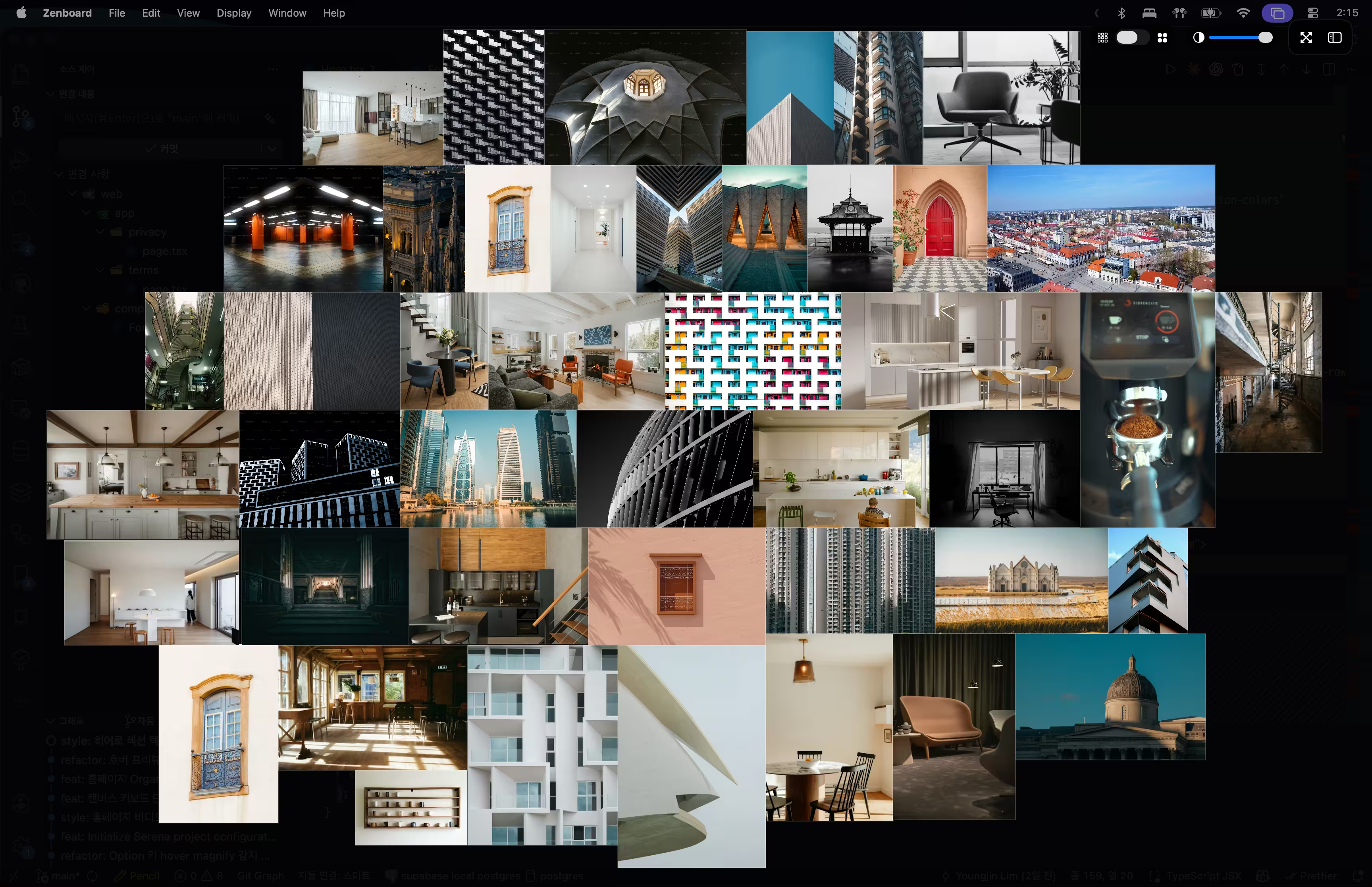
Quick Collect
Collect from anywhere—drag, drop, or paste without breaking your flow.

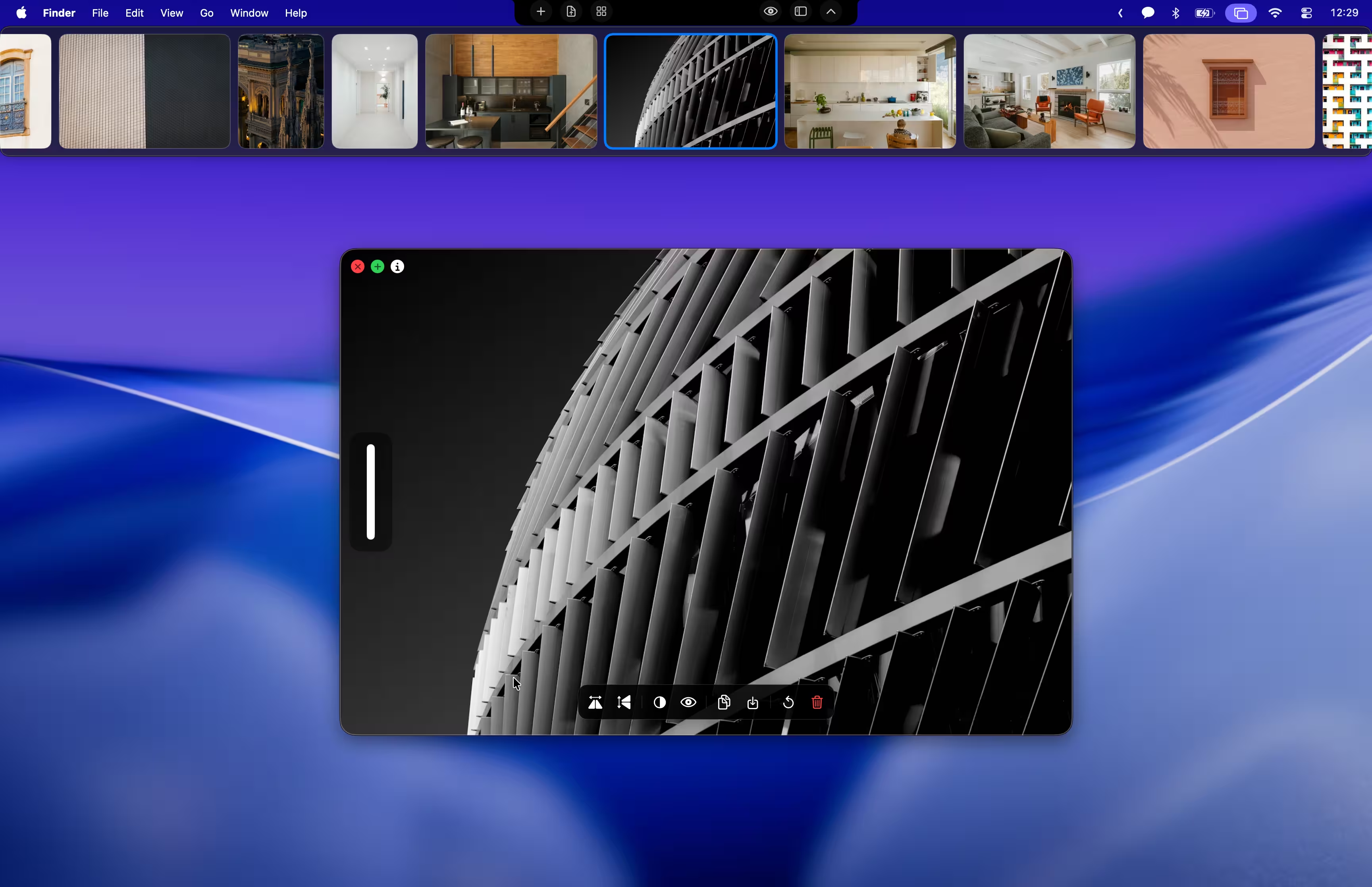
Instant Access
Hover the Notch to reveal your entire library. There when you need it, gone when you don't.

Work Through
Layer references transparently and work right through them. Zero context switching.
Collect references without breaking focus
Access images instantly via the Notch Tray or drag content directly into your workspace. Zenboard stays out of your way until you need it.
- ✓Notch Integration
- ✓Smart Drop
- ✓Smart Viewer
- ✓Quick Magnify
Work with references in view using Ghost Mode
Overlay your reference images directly on your canvas or design tool. Adjust transparency and click through to your work beneath—no more switching windows.
- ✓Transparency Control
- ✓Click-through Support
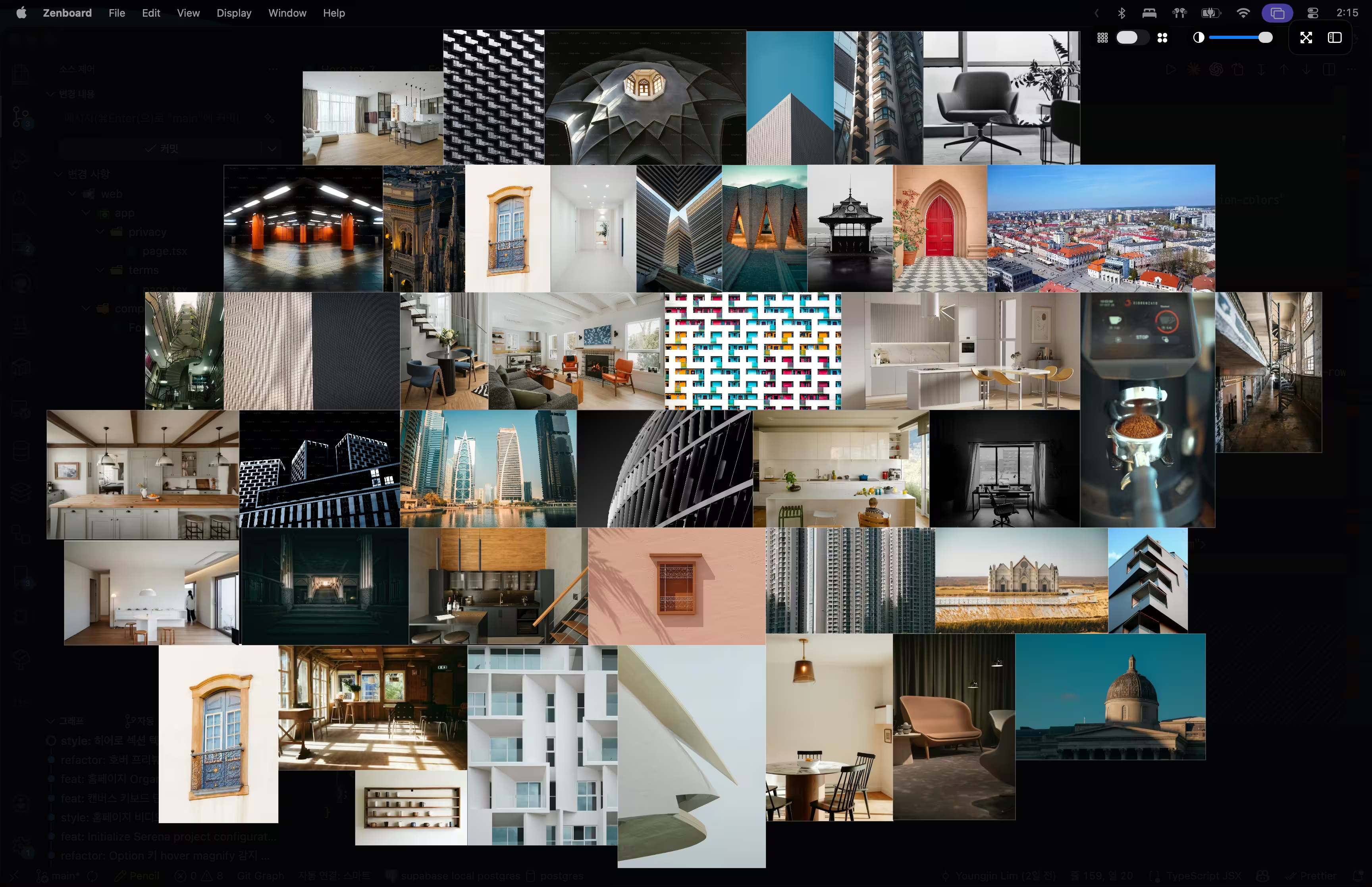
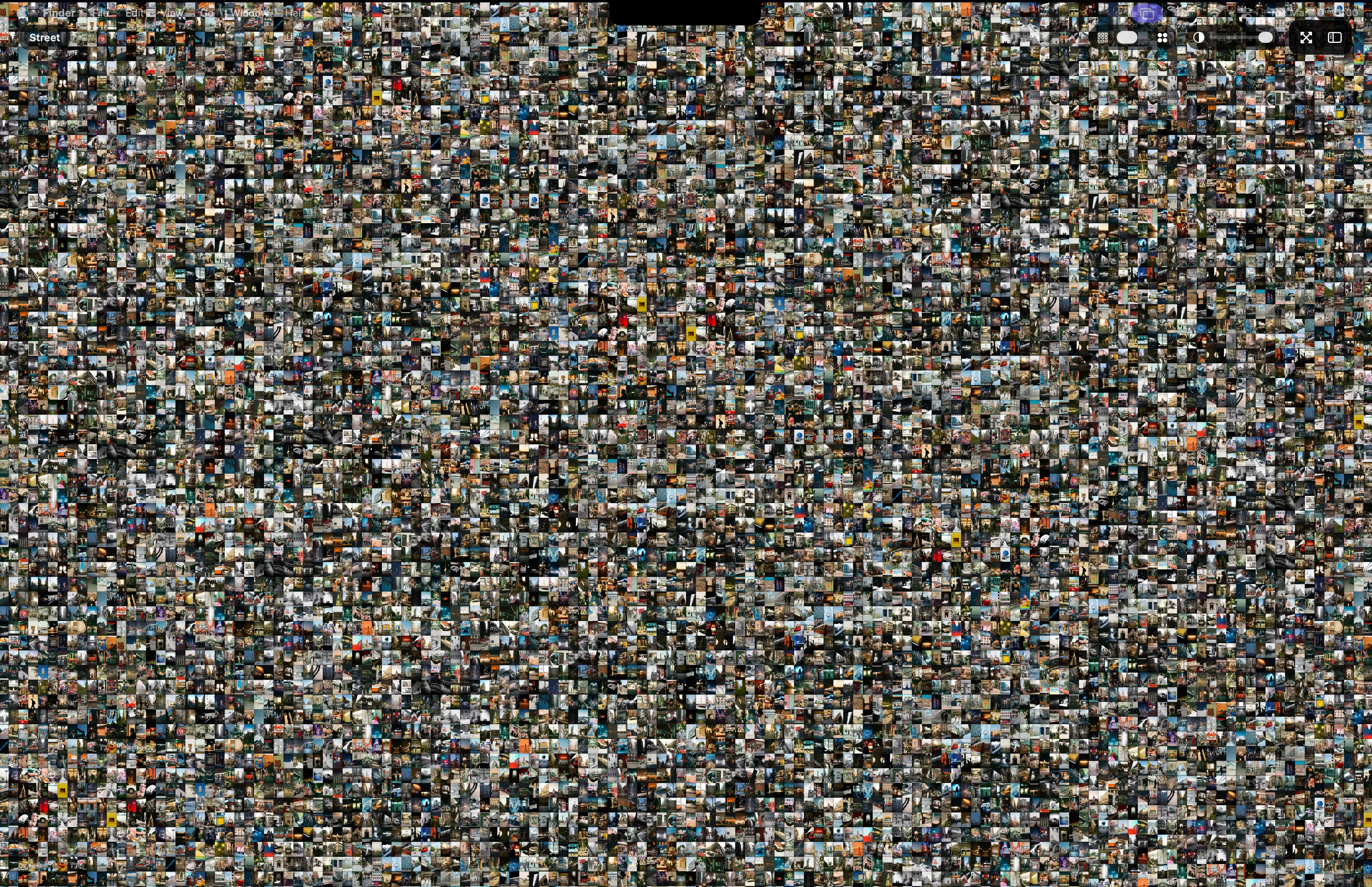
Organize visually on an infinite canvas
Arrange scattered images and ideas into your own spatial layout. Pan, zoom, and organize freely without constraints.
- ✓Pan & Zoom
- ✓Move / Resize / Rotate
- ✓Flip / Grayscale
- ✓Fit / Align / Arrange / Normalize
- ✓Precision Crop
- ✓Layout Lock
- ✓Group / Ungroup
- ✓Comments
- ✓Performance
Inspect and edit with precision
Examine content in detail and edit text-based files directly within the viewer.
- ✓Precision Zoom & Rotate
- ✓Grayscale / Flip Filters
- ✓Markdown / Text View & Edit
- ✓Screen Capture / Annotation
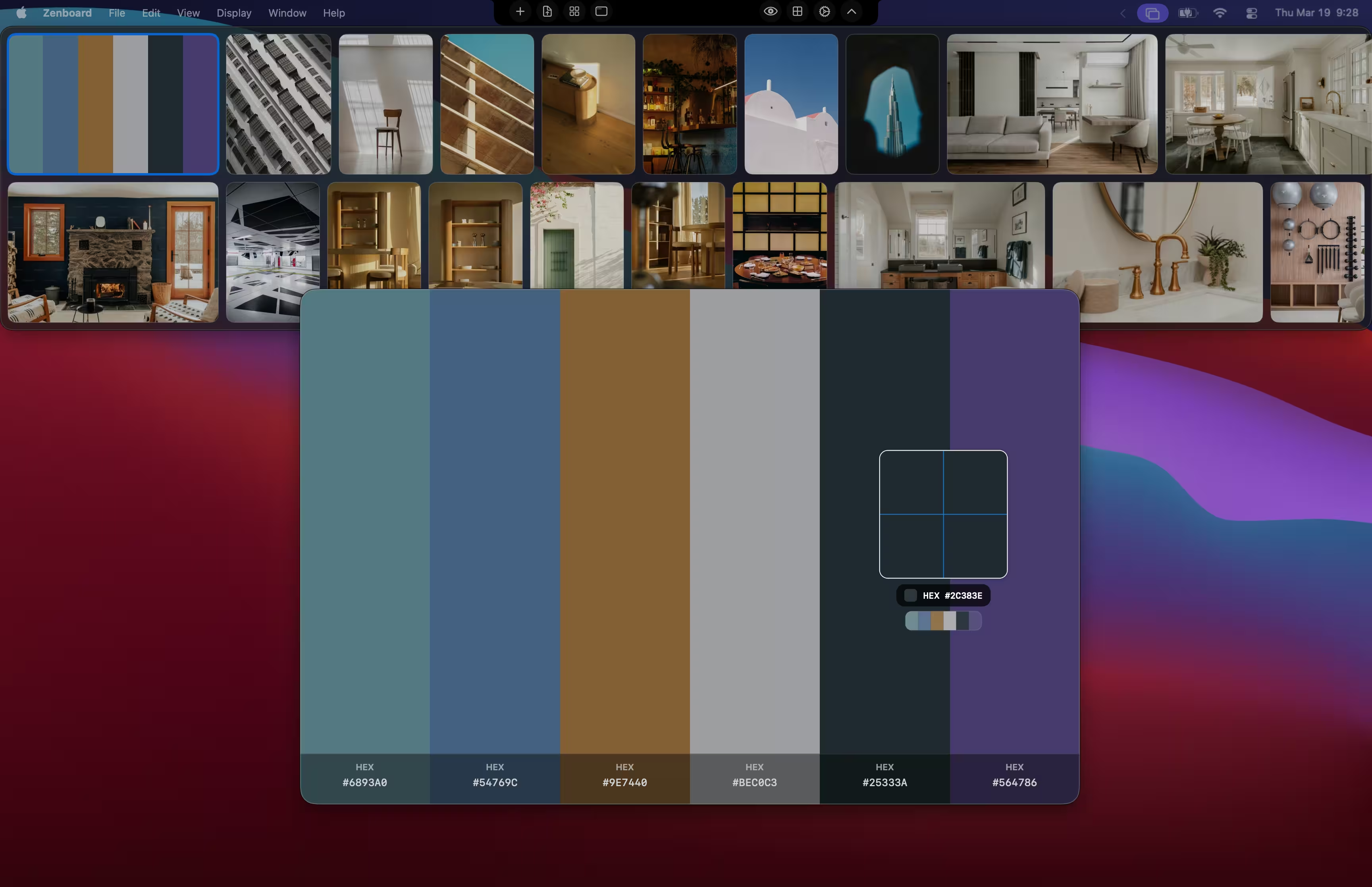
- ✓Color Picker
- ✓Image Palette Extraction
Powerful features for professional work
Zenboard is packed with tools designed to speed up your reference gathering and organization process.

Notch Tray
Access references instantly from the macOS Notch—always within reach, never in the way.

Ghost Mode
Overlay references with adjustable transparency and click through to your work beneath.

Flexible Workspace
Sidebar with dock or floating layout, or switch to infinite Canvas—adapt to any workflow.

Universal File Support
Images, videos, and code with syntax highlighting for 180+ languages.

Flexible Input
Collect from anywhere—Notch Tray, drag & drop, clipboard, URL, or file picker.

Optimized Performance
Handle thousands of high-res images smoothly with smart caching and async processing.
Perfect for
Trusted by creatives across all disciplines
Designers ↗
Keep mood boards and references visible while designing in Figma, Sketch, or Photoshop
Illustrators ↗
Reference poses, colors, and styles without switching between apps
3D Artists ↗
View reference images while modeling in Blender, Maya, or Cinema 4D
Developers ↗
Keep design specs and mockups handy while coding
Writers ↗
Organize research, character references, and inspiration for your stories
Anyone Creative ↗
If you need references for your work, Zenboard is for you
Ready to organize your
creative mind?
Time to organize smarter. Download now and experience the difference on macOS.